
Joy to the World — Free Christmas Phone Wallpaper 🎄✨
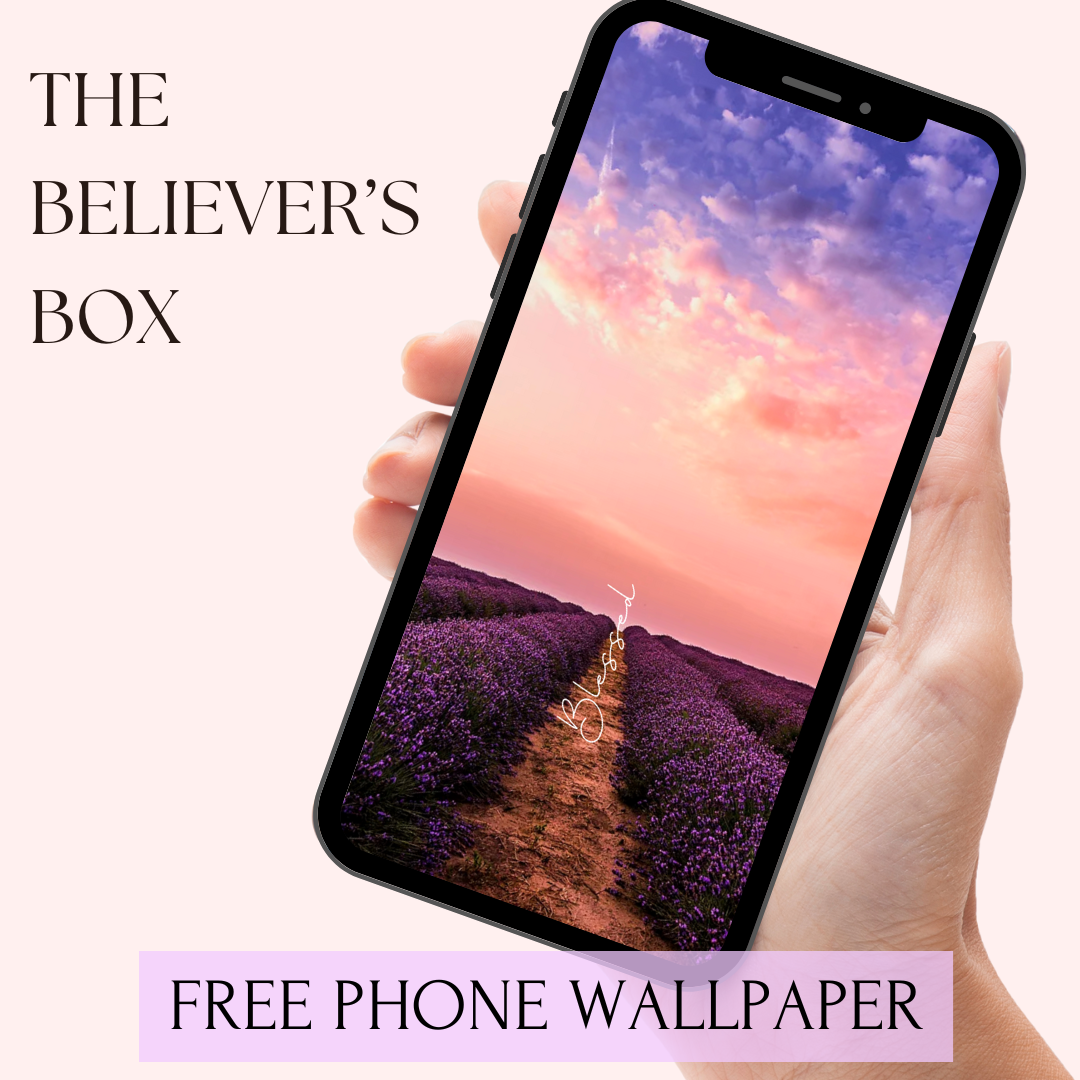
Looking for a simple way to bring the joy of Christmas into your everyday life? I created a FREE “Joy to the World” phone wallpaper to help you celebrate the season every time you pick up your phone! This festive design is perfect for anyone who wants to keep their heart focused on the true reason for Christmas—Jesus.
Whether you're sipping cocoa, wrapping gifts, or heading to a family gathering, this wallpaper is a beautiful reminder that joy is not found in presents, but in His presence.
Why You’ll Love This Free Wallpaper
-
Bright, festive Christmas design
-
Encouraging Scripture-inspired message
-
Fits most phone screens
-
Completely free to download
And if you love Christ-centered inspiration like this, you will love The Believer’s Box—a monthly Christian subscription box filled with faith-building items, devotionals, and seasonal goodies that help you grow closer to God all year long.
Share the Joy!
Feel free to share this wallpaper with friends or pin it on Pinterest. Spreading joy is what this season is all about.
Why Sign Up for The Believers Box?
At The Believers Box, our mission is to inspire and uplift women of faith through carefully curated Christian products. Each monthly subscription box is filled with:
•Exclusive faith-based jewelry, books, and accessories
•Devotionals to strengthen your walk with Christ
•Inspirational items that encourage and uplift
Signing up is more than just receiving a box—it’s about building a deeper connection with God and sharing joy with others through beautifully crafted products.

Keywords: Christian subscription box, faith-based gifts, uplifting products for women, grow closer to God, inspirational monthly box, free Christian wallpaper
Let “Joy to the World” inspire you daily—and don’t forget to share the love with your friends and family!

Set as phone background
- Save the Photo:
- Tap and hold on the photo until a menu appears.
- Select "Add to Photos" or "Save Image." The photo will be saved to your Photos app.
- Open the Photos App:
- Go to your home screen and tap on the Photos app to open it.
- Find the Saved Photo:
- Locate the photo you just saved. It will typically be in your "Recents" album.
- Open the Photo:
- Tap on the photo to open it.
- Set as Wallpaper:
- Tap the share icon (a square with an arrow pointing up) in the bottom left corner of the screen.
- Scroll down and select "Use as Wallpaper."