
January often arrives with a mix of hope and heaviness.
A new year promises fresh beginnings, yet many of us step into it carrying unanswered prayers, lingering fears, or exhaustion from the season before. In moments like these, Scripture gently reminds us where our true stability is found:
“Truly He is my rock and my salvation; He is my fortress, I will never be shaken.”
— Psalm 62:2 (NIV)
This verse isn’t just poetic — it’s a lifeline. And for many Christian women, it becomes the foundation for how we move through the year ahead.
What Does It Mean That God Is Our Rock?
In biblical times, a rock symbolized strength, protection, and permanence. Unlike shifting sand or unstable ground, a rock stands firm through storms, pressure, and time.
When Scripture declares “He is my rock and my salvation,” it reminds us that:
-
God does not change when circumstances do
-
Our security is not dependent on outcomes
-
Our peace is rooted in who He is, not what we face
As we begin a new year, anchoring ourselves in this truth matters more than any resolution we could make.
Starting the Year Anchored, Not Anxious
Many women search January devotionals, Bible studies, and faith resources because they are longing for spiritual grounding, not just motivation.
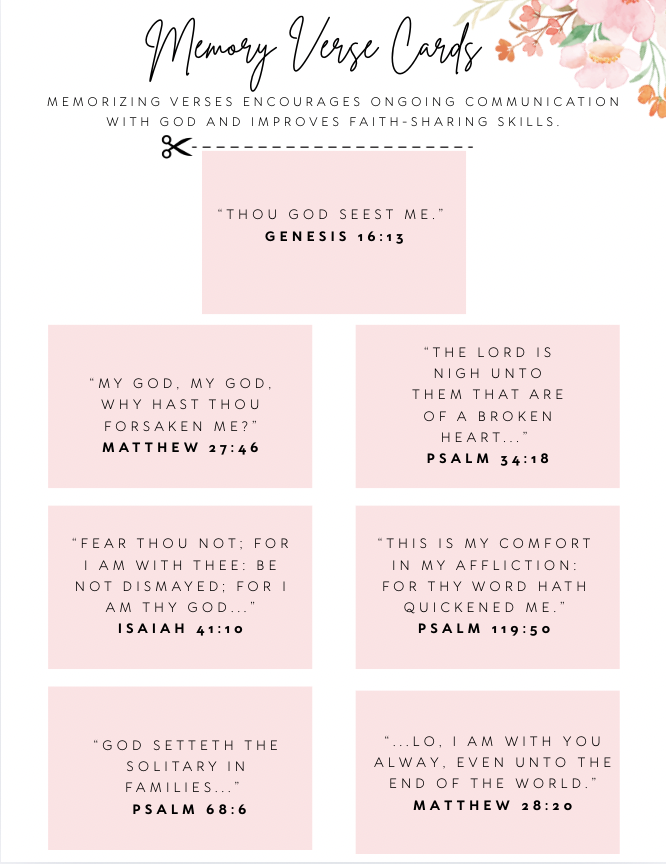
This is why intentional faith practices — daily Scripture, prayer prompts, tangible reminders of God’s promises — can make such a difference.
Instead of rushing into the year overwhelmed, what if we chose to build our days on the Rock?
Why Christian Women Are Choosing Faith-Centered Subscription Boxes
More women than ever are seeking Christian subscription boxes that help them stay rooted in Scripture throughout the month — not just inspired for a moment.
The Believer’s Box was created with this exact purpose in mind.
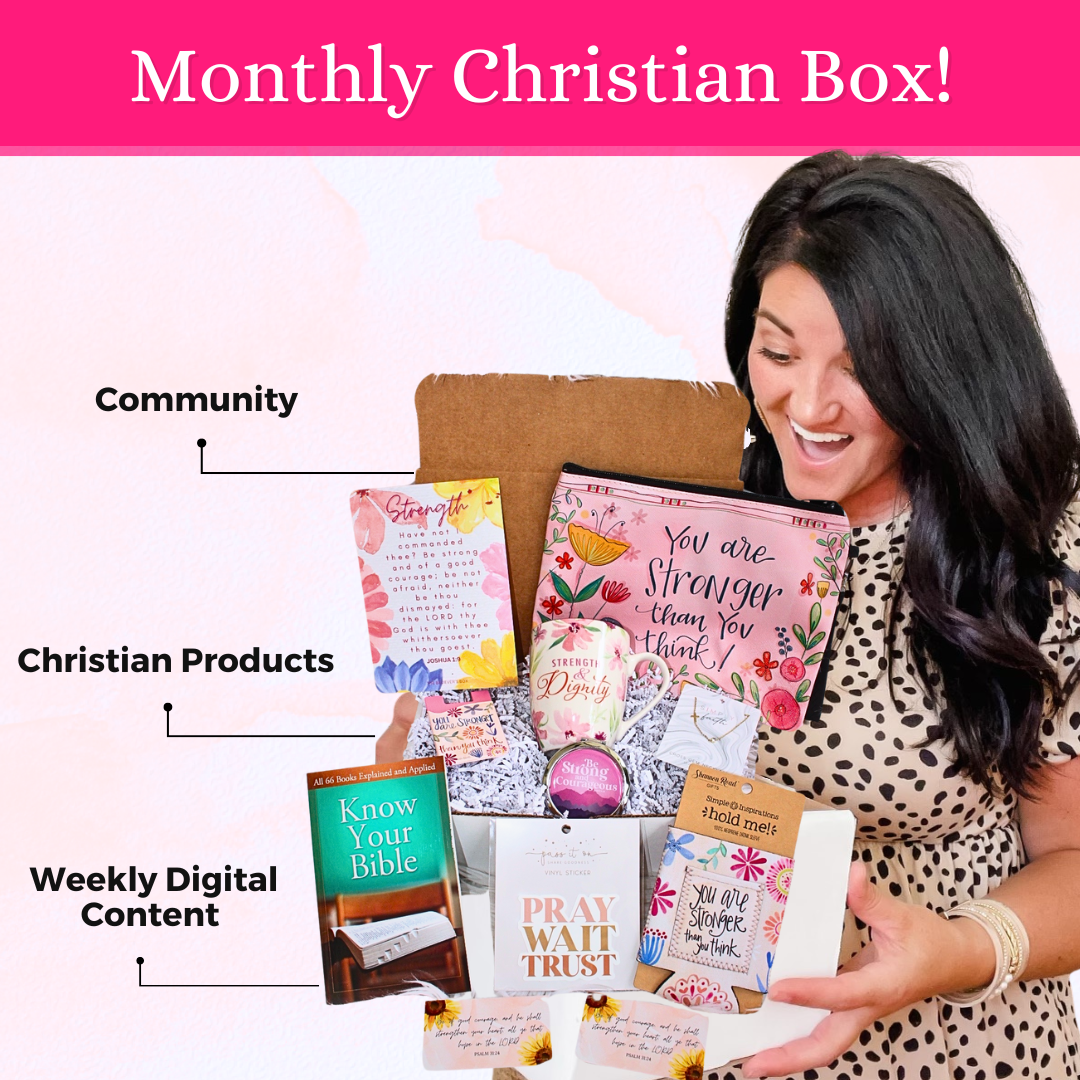
Each month, The Believer’s Box delivers:
-
Faith-filled, Scripture-inspired items
-
Encouragement tools you’ll actually use daily
-
A theme rooted in God’s Word
-
Access to free devotional downloads and faith resources on our blog all month long
It’s not just about opening a box — it’s about living out your faith consistently.
January’s Theme: He Is My Rock and My Salvation
January’s Believer’s Box is intentionally designed to help you:
-
Start the year anchored in God’s truth
-
Carry Scripture with you daily
-
Be reminded that your stability comes from Him alone
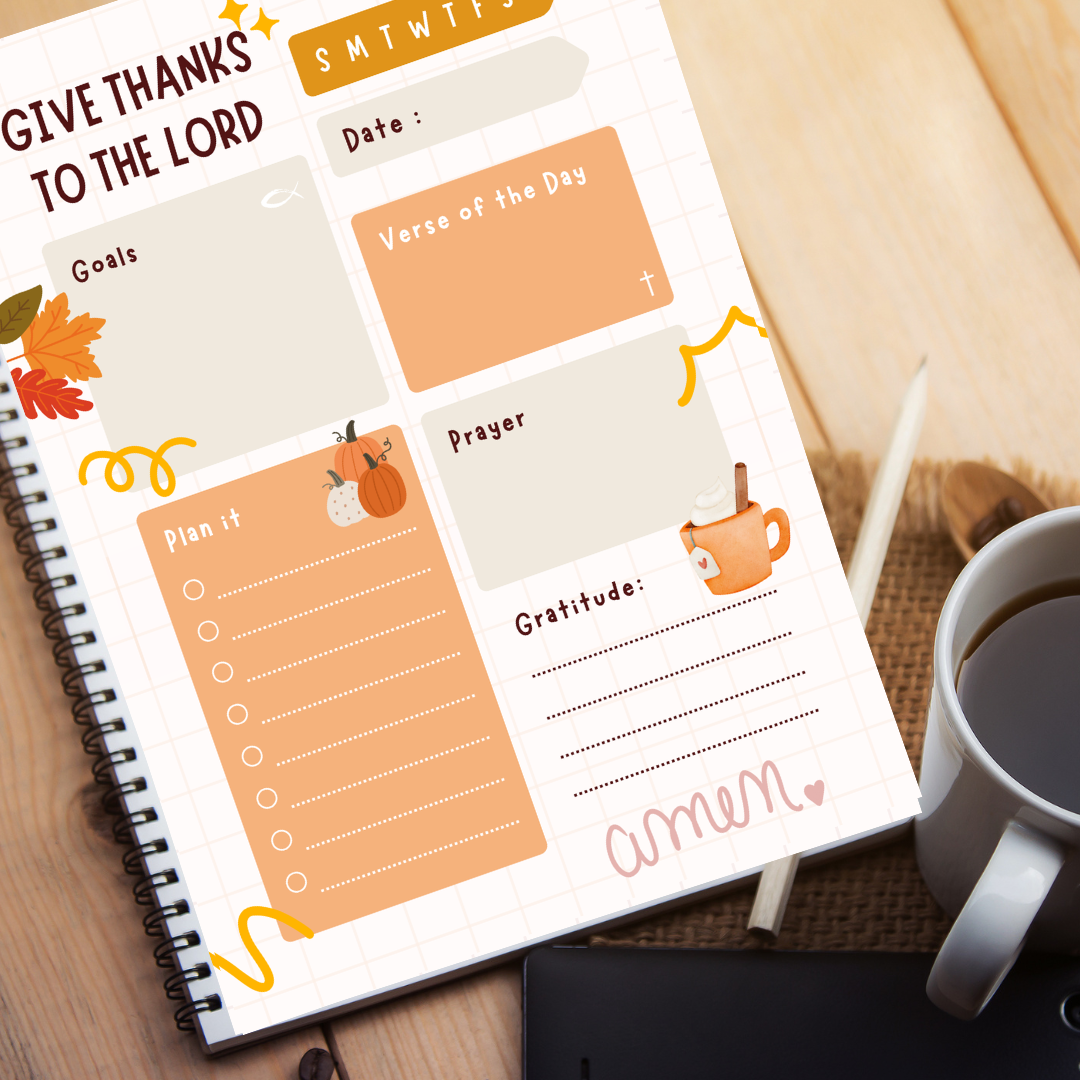
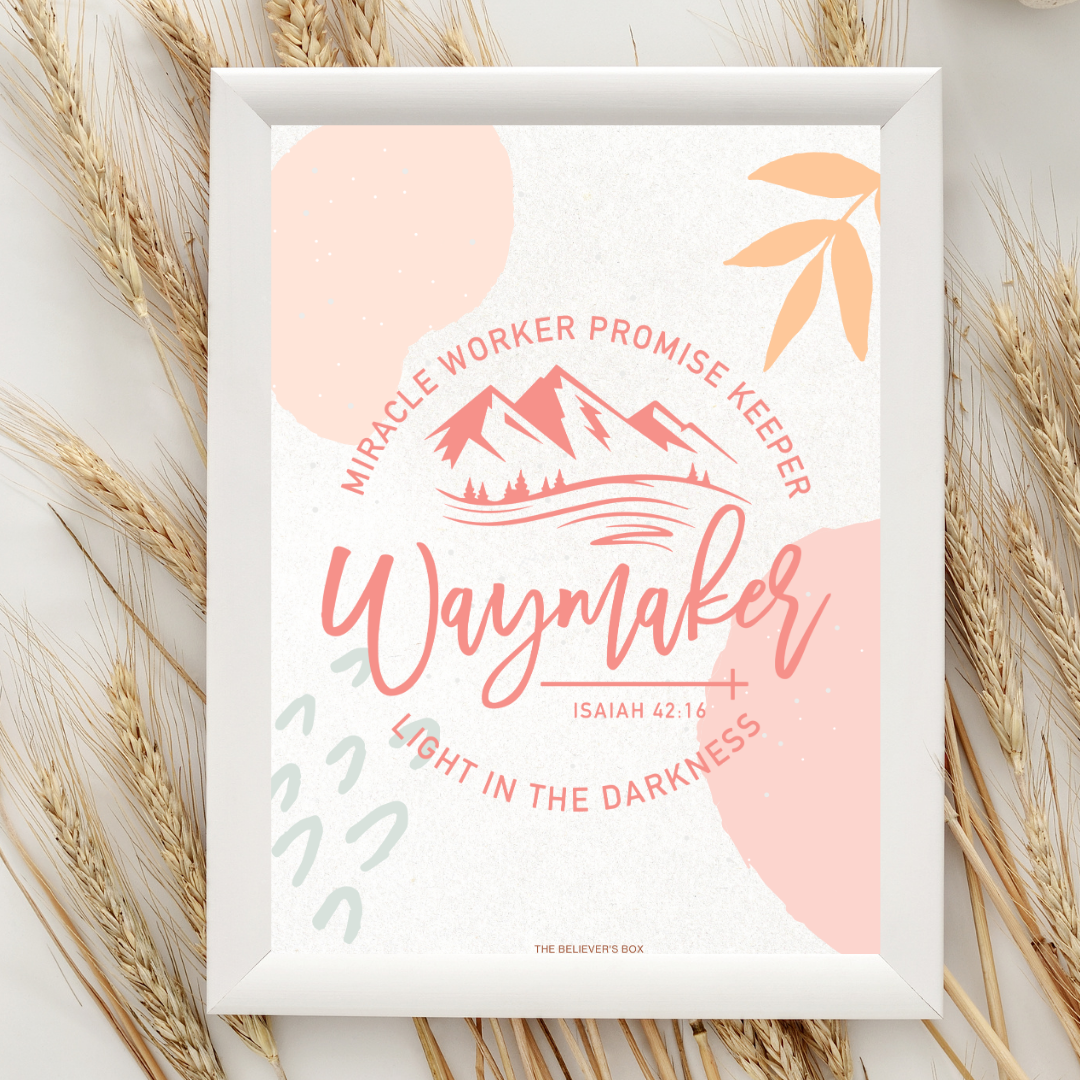
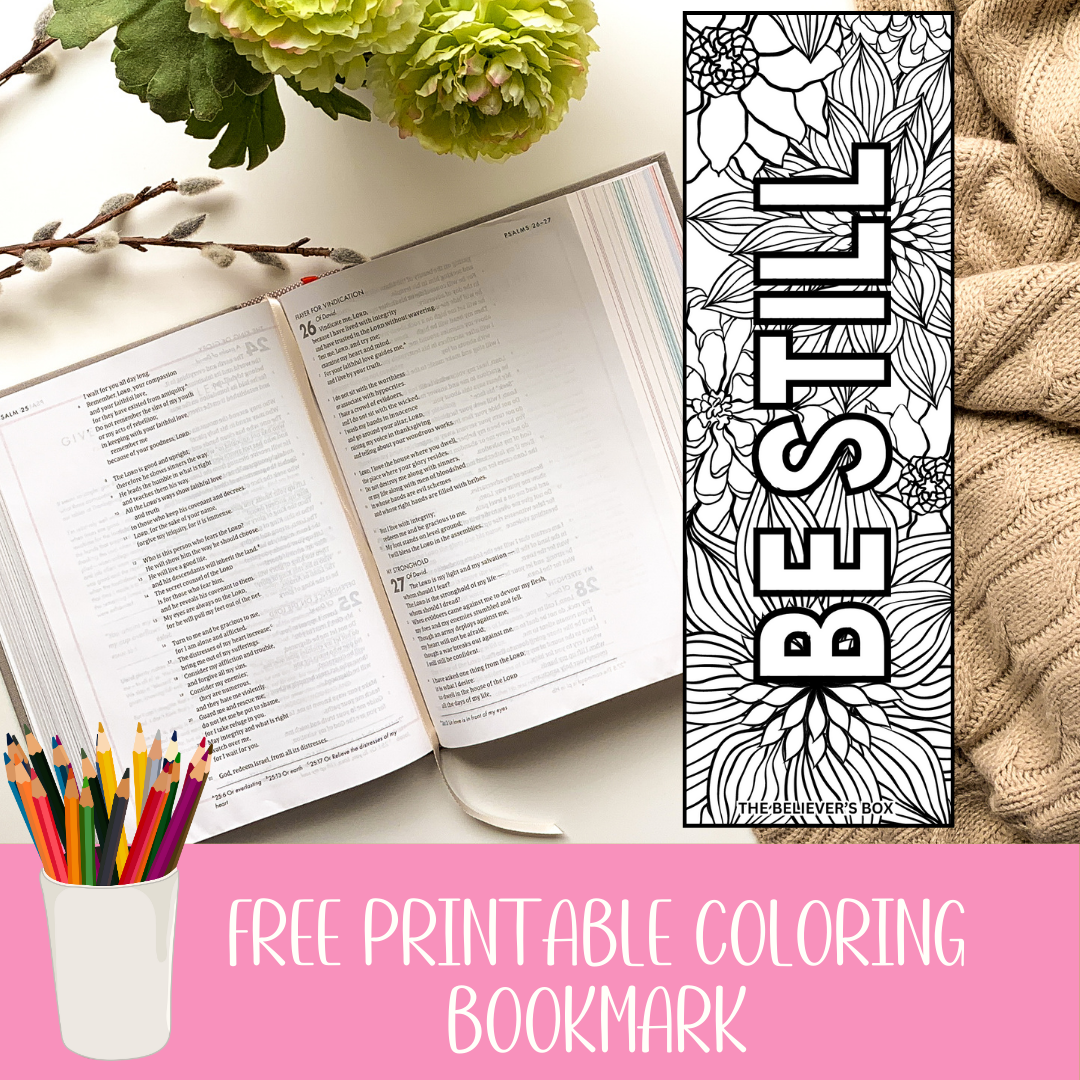
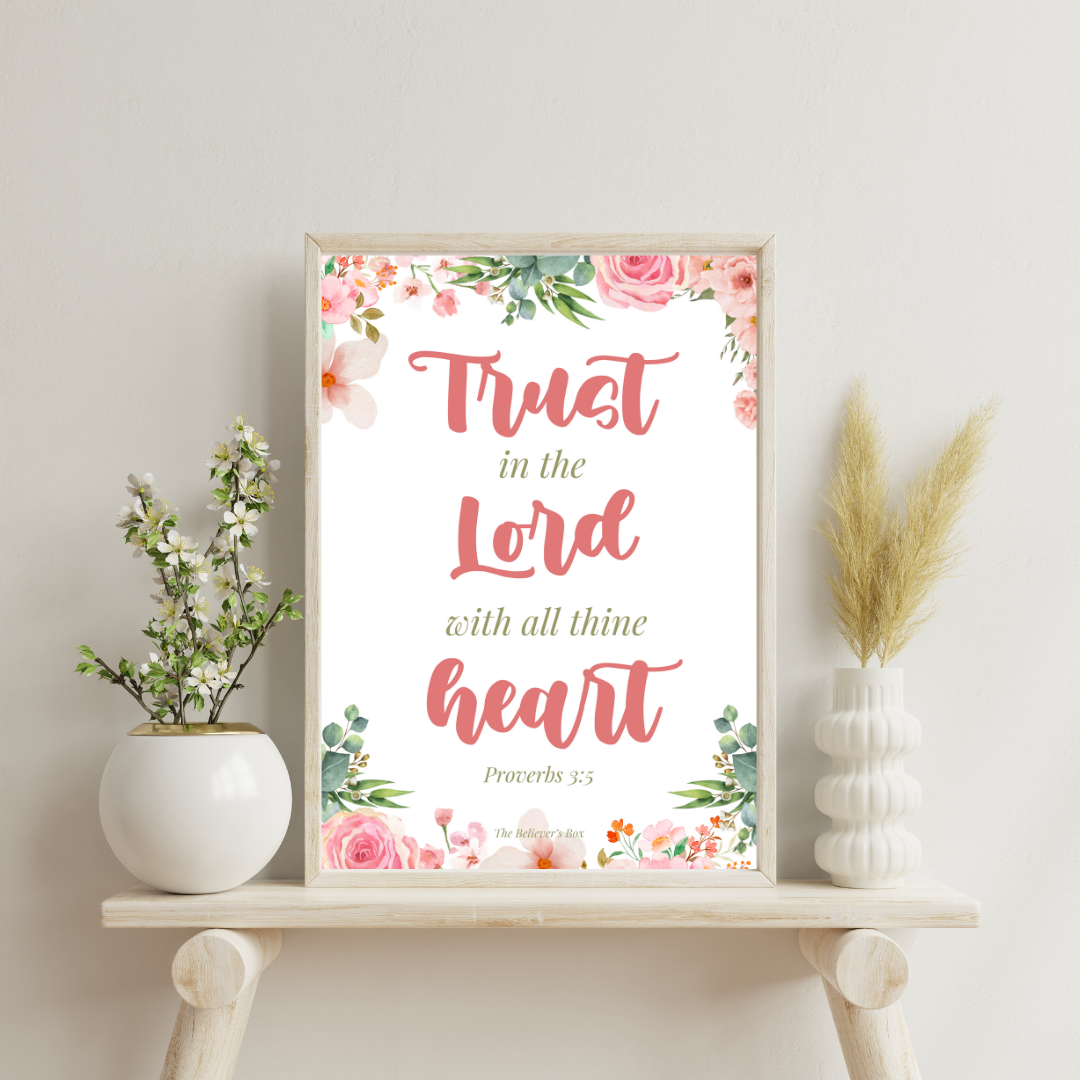
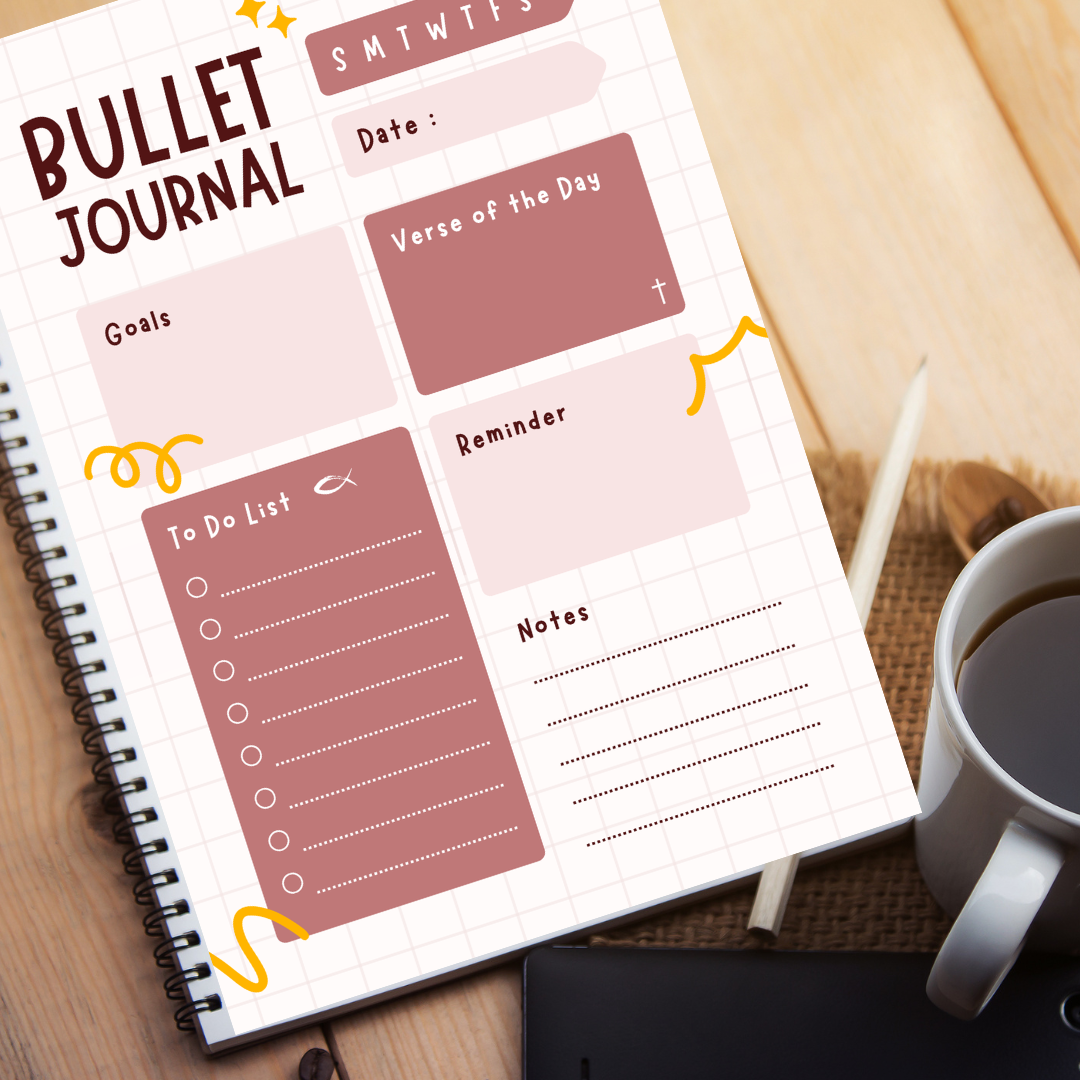
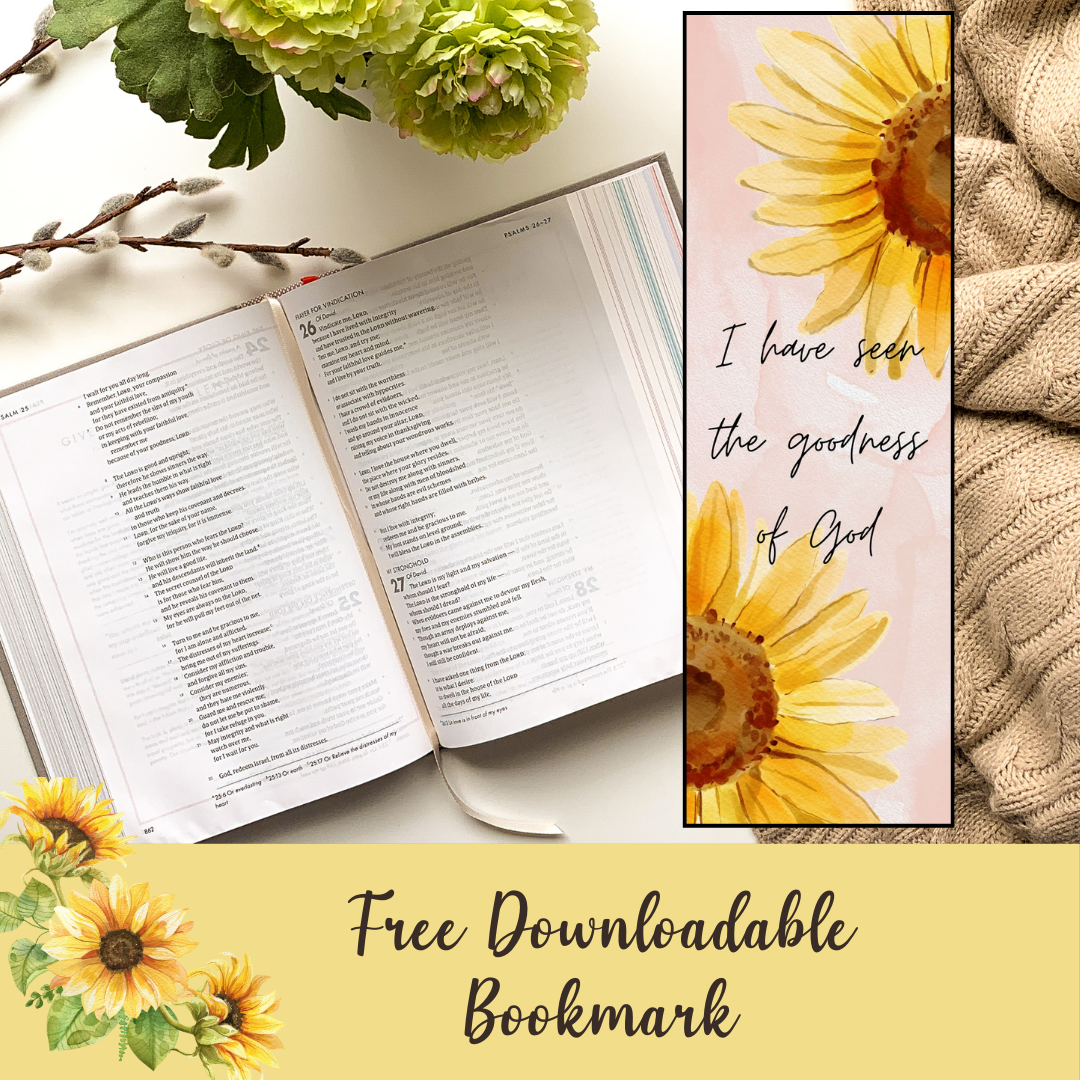
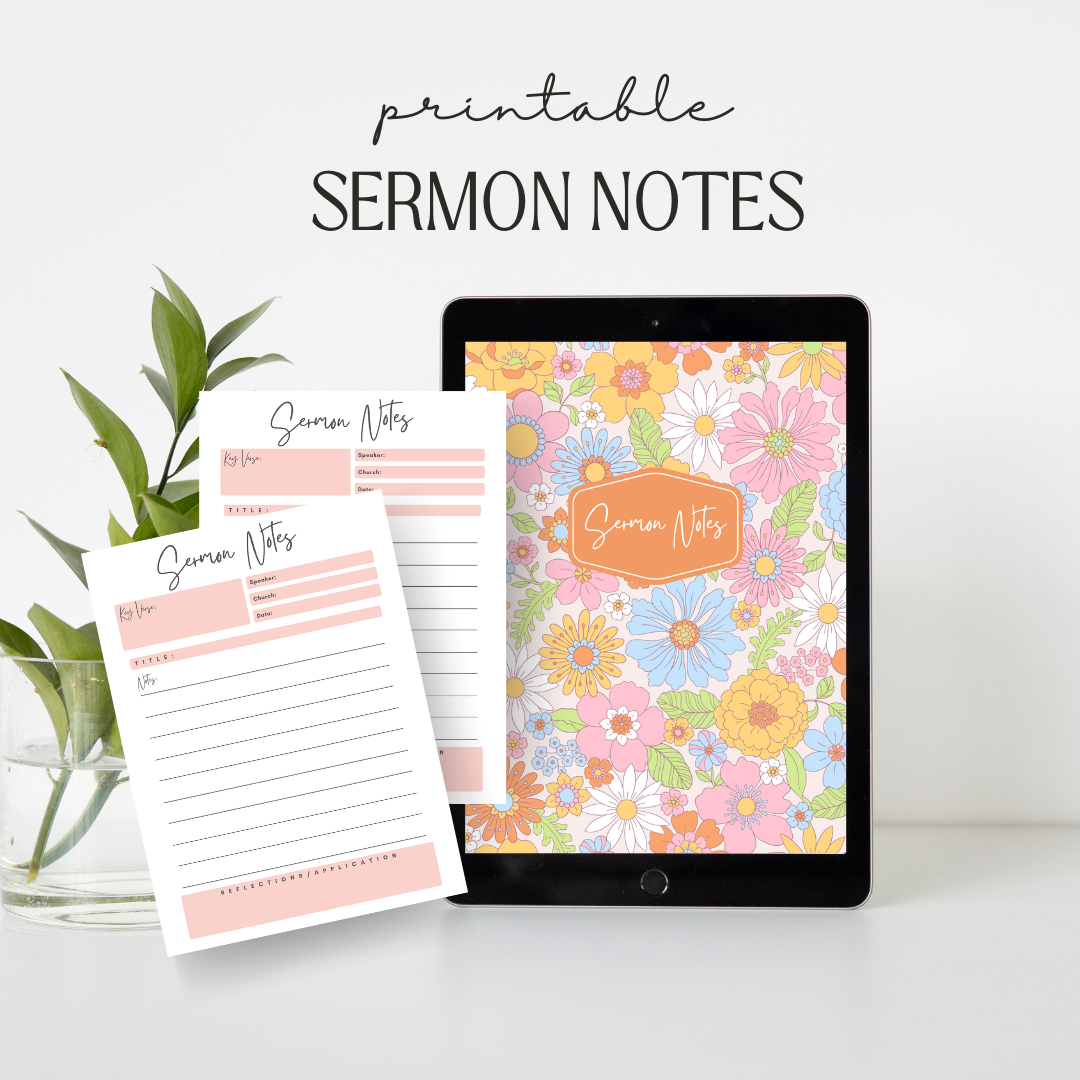
This month’s experience extends beyond the box itself. Throughout January, subscribers receive exclusive access to free blog downloads, devotionals, and printables that reinforce the theme week after week.
Your faith journey doesn’t end on unboxing day — it unfolds all month long.
Faith That Lasts Longer Than a Moment
One of the most common things we hear from our community is this:
“The Believer’s Box helps me stay grounded even when life feels unsteady.”
That’s the heart behind everything we create.
Whether you’re navigating uncertainty, stepping into new goals, or simply craving deeper time with God, being reminded that He is your rock and your salvation changes how you walk through each day.
Limited January Boxes Available
January’s Believer’s Box is available in limited quantities, and once it sells out, it will not be restocked.
If you’re looking for:
-
A meaningful Christian gift for yourself
-
A faith-based subscription box rooted in Scripture
-
A way to stay spiritually encouraged all month long
This is your invitation.
👉 Reserve your January Believer’s Box today
👉 Experience faith that anchors you, not just inspires you
👉 Walk into the new year rooted in the Rock who never fails
Because when everything else feels uncertain, He remains your rock and your salvation.
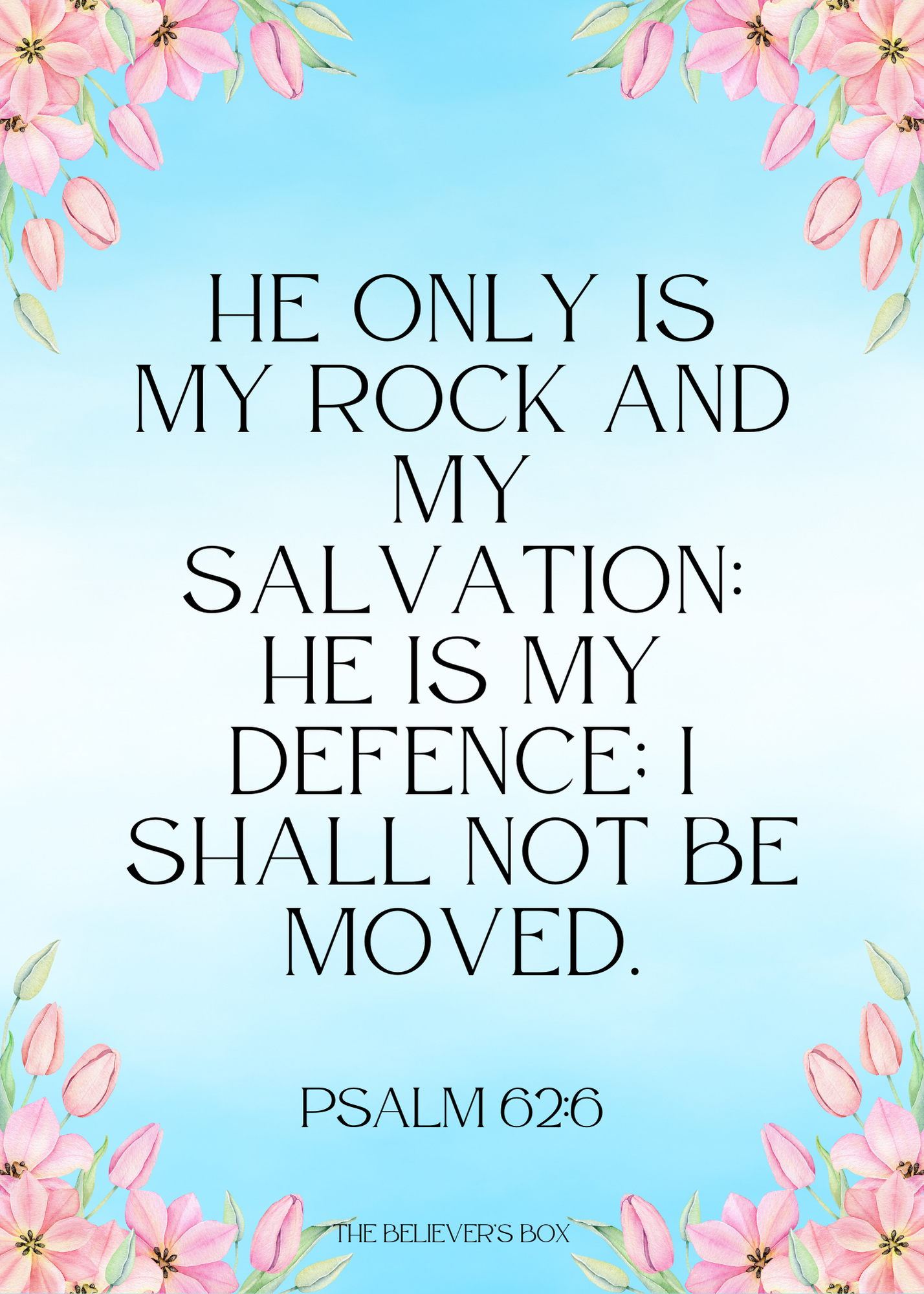 Instructions to Save and Print Bible Reading Tracker with Computer
-
Save the Image:
- Right-click on the image you want to save.
- Select "Save Image As..." from the context menu.
- Choose a location on your computer and click "Save."
-
Locate the Saved Image:
- Go to the folder where you saved the image (usually the "Downloads" folder).
-
Open the Image:
- Double-click on the saved image file to open it. It will open in your default image viewer.
-
Open the Print Dialog:
- In the image viewer, click the print icon or go to "File" > "Print."
- Alternatively, use the keyboard shortcut (Ctrl+P on Windows or Command+P on Mac).
-
Print the Image:
- Select your printer and adjust any print settings as needed.
- Click "Print" to start printing the image.